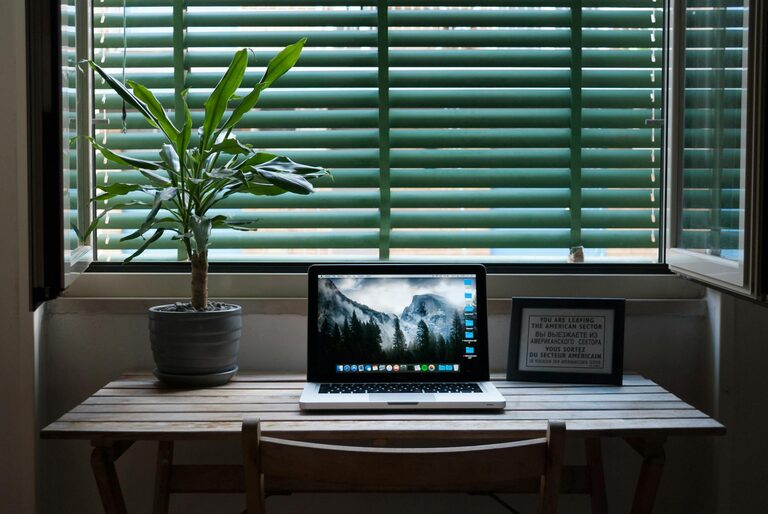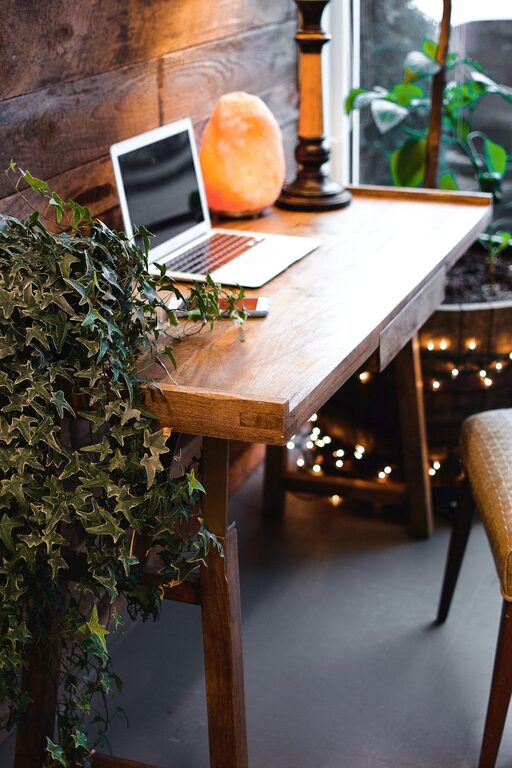









Creating a relaxing home workspace is essential for maintaining focus, comfort, and productivity, especially as more people spend significant time working remotely. A well-designed workspace not only helps you stay organized but also reduces stress and improves overall work quality. Whether you have a dedicated room or a small corner for working, this guide offers practical tips to help you create a calm and efficient environment tailored to your needs.
Choose the Right Location
Selecting the perfect spot for your workspace is the first step. Ideally, find a quiet area with minimal distractions.
Consider Natural Light
Natural light can boost your mood and energy. Set up your workspace near a window if possible, but avoid glare on your computer screen by positioning your desk perpendicular to the light source.
Minimize Noise
Look for a location away from household noise. If that’s not possible, consider noise-canceling headphones or soft background music to maintain concentration.
Invest in Comfortable Furniture
Comfort goes hand in hand with productivity. Spending hours on uncomfortable chairs or cramped desks can lead to discomfort and fatigue.
Ergonomic Chair
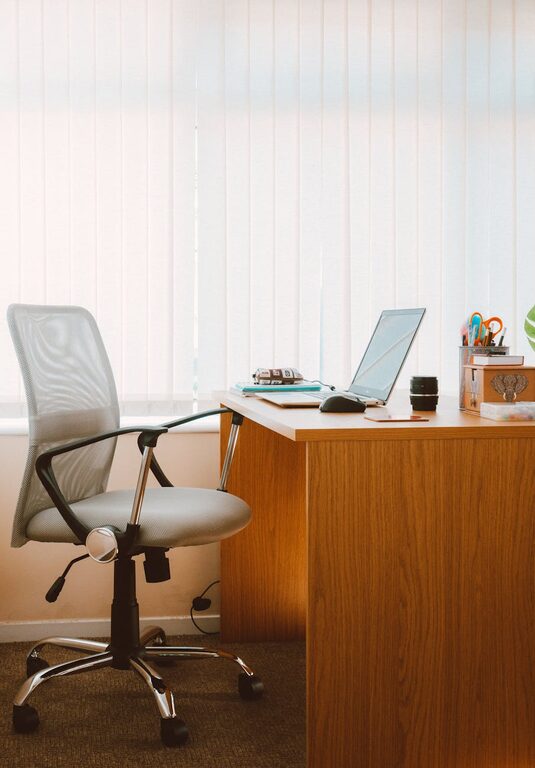
Choose a chair that supports your spine, with adjustable seat height and lumbar support. Good posture reduces strain and helps you stay alert.
Desk Size and Height
Select a desk that fits your space and provides enough room for your computer, notebook, and essentials. Standard desk height is usually around 28-30 inches, but it should suit your height for comfortable typing and writing.
Organize Your Workspace for Efficiency
A cluttered desk can cause distractions and make it harder to focus.
Use Storage Solutions
Incorporate shelves, drawers, or organizers to keep supplies neat. Use cable management tools to avoid tangled cords.
Keep Essentials Handy
Group frequently used items within arm’s reach to avoid disruptions during work. This could include pens, notebooks, or your water bottle.
Personalize Your Space with Calming Elements
Adding personal touches can make your workspace feel inviting and reduce stress.
Add Plants
Indoor plants improve air quality and add a touch of nature, which can be soothing and increase creativity.
Use Soothing Colors
Choose colors like soft blues, greens, or neutrals for walls and decorations to create a calming atmosphere.
Incorporate Art or Photos
Place artwork or photos that inspire you but avoid overly busy patterns or images that might distract.
Manage Lighting for Comfort
Proper lighting prevents eye strain and creates a pleasant work environment.
Combine Light Sources
Use a combination of natural light, overhead lighting, and task lamps to ensure even lighting.
Adjustable Desk Lamp
A lamp with adjustable brightness and position helps you focus on specific tasks, especially in the evening.
Maintain Good Air Quality and Temperature
Comfort extends beyond furniture and lighting.
Ventilation
Ensure your workspace has fresh air circulation. Open windows occasionally or use an air purifier if needed.
Temperature Control
Keep the room at a comfortable temperature, usually between 68-72°F (20-22°C), to stay comfortable without feeling too hot or cold.
Set Boundaries for Work-Life Balance
Having a designated workspace helps you mentally separate work time from relaxation.
Schedule Breaks
Set regular breaks to stretch, hydrate, and rest your eyes. Consider techniques like the Pomodoro method: 25 minutes focused work, 5-minute breaks.
End-of-Day Ritual
Create a habit that signals the end of the workday, such as organizing your desk or shutting down your computer, to help transition into personal time.
Use Technology to Enhance Comfort
Leverage tech tools to improve your workflow and comfort.
Monitor Stands and External Keyboards
Raising your monitor to eye level with a stand and using an external keyboard can improve posture.
Blue Light Filters
Use screen protectors or software that reduce blue light exposure to minimize eye strain during late hours.
Final Thoughts
Designing a relaxing home workspace is a personal process that balances comfort and productivity. By considering location, furniture, organization, lighting, and personal touches, you can create an environment that supports your work and wellbeing. Experiment with these tips and adjust your setup as your needs evolve, making working from home a more enjoyable and efficient experience.