







Creating a home office space that balances coziness and productivity is essential, especially as many people continue to work remotely or spend more time on personal projects at home. A comfortable environment can boost your motivation and help you stay focused throughout the day. Below are some helpful tips to set up a home office that works for you.
1. Choose the Right Location
Finding the ideal spot in your home is the first step to building a functional office.
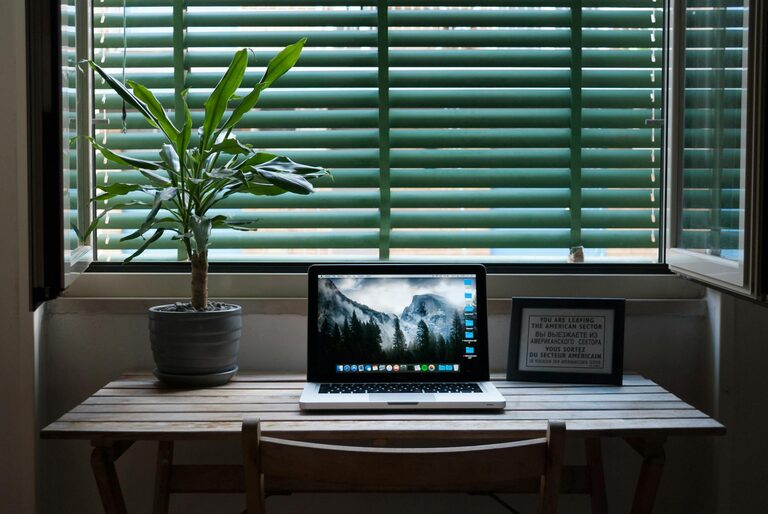
– Natural Light: Position your desk near a window to enjoy daylight. Natural light helps reduce eye strain and improves mood.
– Quiet Area: Select a spot away from high-traffic areas or noisy appliances to minimize distractions.
– Space Considerations: Make sure the area has enough room for your desk, chair, and any necessary equipment.
2. Invest in Comfortable and Supportive Furniture
Your chair and desk play a big role in both comfort and productivity.
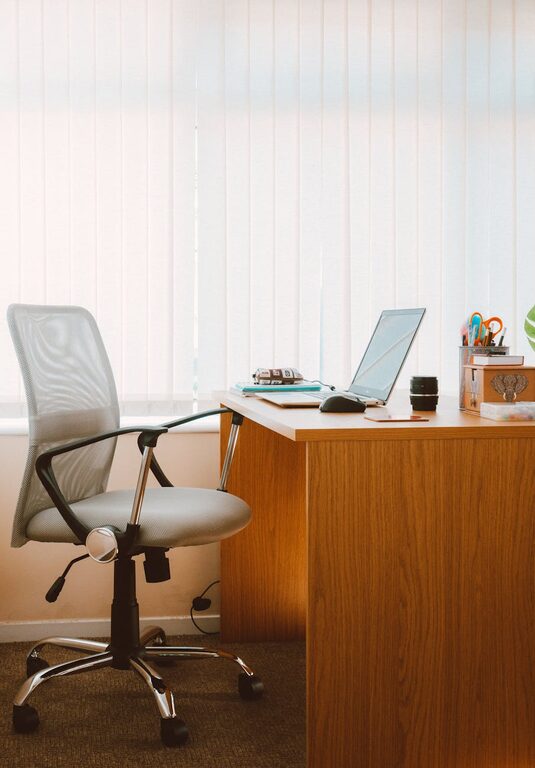
– Ergonomic Chair: Choose a chair with good lumbar support and adjustable features to maintain good posture.
– Desk Size: Pick a desk large enough for your computer, notes, and any other tools you use regularly.
– Adjustable Desk: If possible, consider a standing desk or one with adjustable height to change positions during the day.
3. Organize Your Workspace Efficiently
A tidy desk helps keep your mind clear and focused.
– Storage Solutions: Use shelves, drawers, or desk organizers to keep supplies sorted.
– Cable Management: Use clips or sleeves to keep cables from tangling.
– Minimal Clutter: Keep only essential items on your desk to avoid distraction.
4. Use Soothing Colors and Personal Touches
Colors and decor can influence your mood and energy levels.
– Choose Calming Colors: Soft blues, greens, or neutrals are known to reduce stress.
– Add Plants: Indoor plants improve air quality and add a relaxing touch.
– Display Personal Items: Photos, artwork, or mementos can make the space feel welcoming without being overwhelming.
5. Optimize Lighting
Proper lighting helps reduce eye strain and keeps you alert.
– Layered Lighting: Combine overhead lights with a desk lamp to balance brightness.
– Adjustable Lamps: Use lamps with adjustable arms or dimmers for flexibility.
– Avoid Glare: Position screens to minimize glare from windows and lights.
6. Minimize Distractions
Keep your focus sharp by reducing interruptions.
– Noise Control: Use noise-canceling headphones or ambient sound machines if needed.
– Limit Technology Interruptions: Turn off non-work notifications during focus time.
– Set Clear Boundaries: Communicate your working hours to family or roommates to minimize disturbances.
7. Incorporate Technology Wisely
Equip your space with tools that enhance your workflow.
– Reliable Internet: Ensure a strong and stable internet connection.
– Quality Equipment: Use a good monitor, keyboard, and mouse to avoid discomfort.
– Backup Solutions: Regularly back up important files on cloud storage or external drives.
8. Create a Routine and Personal Work Rituals
Your environment supports your habits.
– Consistent Hours: Work during set times to train your brain to focus.
– Break Areas: Designate a spot to take short breaks away from your desk.
– Incorporate Movement: Stretch or walk briefly to stay energized.
—
By following these tips, you can build a home office space that feels inviting and helps you get your best work done. Remember, comfort and productivity often go hand in hand, so don’t be afraid to personalize your space to suit your needs and preferences. Happy working!