

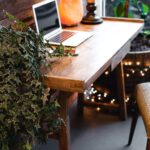

Creating a comfortable and productive home office space is essential for anyone working remotely or managing tasks at home. With the right setup, you can enhance your focus, reduce stress, and maintain a healthy work-life balance. Whether you have a dedicated room or just a small corner in your living space, thoughtful planning can transform your area into an efficient workspace.
Why a Well-Designed Home Office Matters
Having a workspace that supports your daily tasks helps you stay organized and motivated. It minimizes distractions and creates a physical boundary between work and relaxation. When your environment is comfortable, your energy and creativity flourish, contributing to overall work satisfaction and success.
—
Key Tips for Building Your Ideal Home Office
1. Choose the Right Location
Selecting the location of your home office is crucial. Ideally, find a quiet spot with minimal foot traffic and noise. If possible, pick a room with a door you can close to create separation from household activities. Natural light is a bonus—it can improve mood and reduce eye strain.
2. Invest in an Ergonomic Chair and Desk
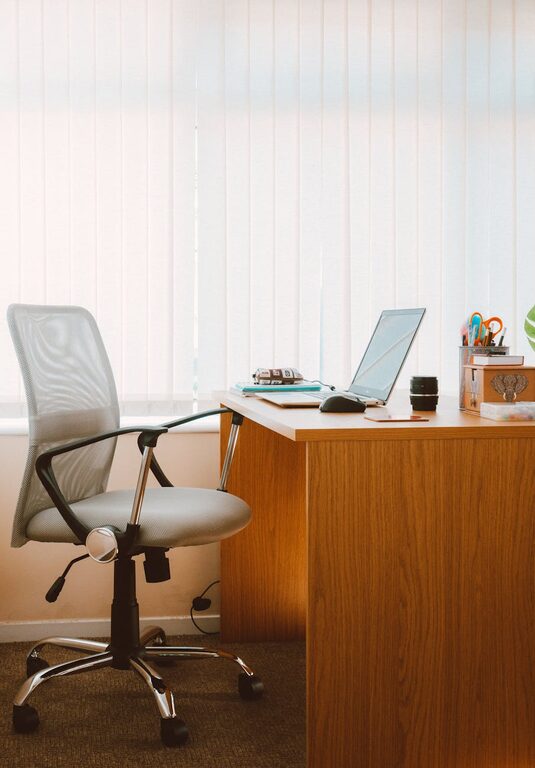
Comfort is a cornerstone of productivity. Use an adjustable chair that supports your lower back. Your desk should be at a height where your arms rest comfortably while typing. Proper ergonomics help prevent aches and long-term health issues like repetitive strain injuries.
3. Organize Your Supplies and Equipment
Clutter can be distracting. Use shelves, drawers, and organizers to keep your workspace neat. Have essential supplies within arm’s reach to avoid unnecessary interruptions. Consider cable management solutions to keep cords tidy and out of the way.
4. Optimize Lighting
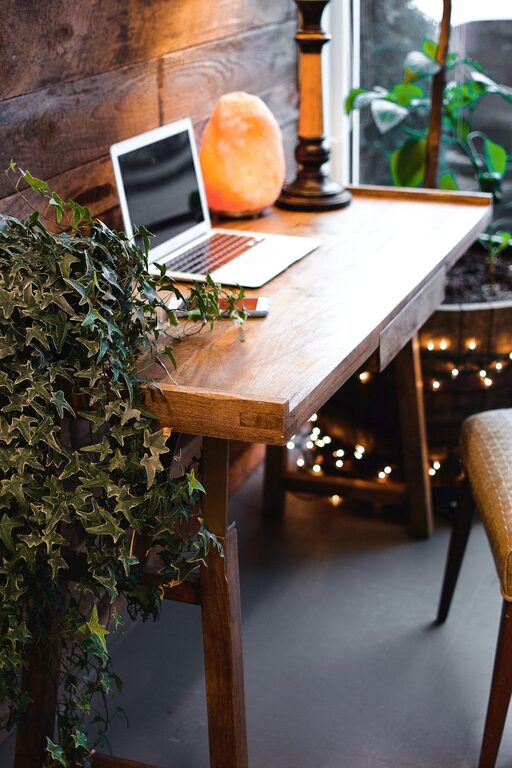
Good lighting reduces eye strain and fatigue. Position your desk near a window if possible, but avoid glare on your computer screen. Use a desk lamp with adjustable brightness for focused lighting during darker hours. Soft, warm light often feels more comfortable than harsh fluorescent bulbs.
5. Personalize Your Space
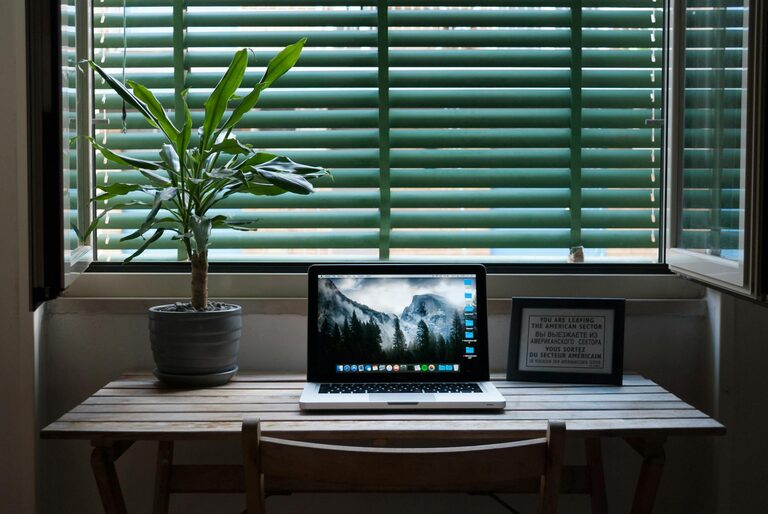
Adding personal touches like plants, artwork, or photos creates a welcoming atmosphere. Plants can also improve air quality and bring a sense of calm. However, keep decorations tasteful and minimal to avoid distractions.
6. Minimize Distractions
Identify common distractions in your home and find ways to reduce them. Noise-canceling headphones can help if your environment is noisy. Setting clear boundaries with family or roommates about your working hours can also maintain focus.
7. Incorporate Technology Wisely
Ensure you have the necessary technology for your work, such as a reliable computer, high-speed internet, and any specialized equipment. Keep your devices updated and invest in a good-quality webcam and microphone if video meetings are frequent.
8. Maintain a Good Posture and Take Breaks
Even with ergonomic furniture, make a habit of sitting up straight and avoiding slouching. Take regular breaks to stand, stretch, and move around every hour. This practice boosts circulation and keeps your mind fresh.
—
Practical Layout Examples for Different Spaces
Small Space Setup
If you’re working in a small area, use vertical storage like wall shelves to save floor space. A foldable desk or a compact corner desk can maximize limited rooms.
Dedicated Room Office
In a separate room, define zones for different activities—one area for your computer, another for reading or writing. Use rugs or room dividers to separate the office area physically and visually.
—
Maintaining Your Home Office Over Time
Once your space is set up, keep it functioning well by tidying up daily and reviewing your setup periodically. As your work habits evolve, you might find adjusting furniture or adding new technology beneficial.
—
Final Thoughts
Creating a home office that is both comfortable and productive doesn’t require a large budget or a perfect room. Thoughtful choices about location, furniture, lighting, and organization can make a significant difference. By designing a space that suits your needs, you can enjoy a balanced and effective work-from-home experience.